Release Notes 2026.06.1
Overview
Info
Excalibur changed its versioning scheme to a calendar-based format. Current version is 2026.06.1.
This document outlines the updates and improvements introduced in the June 2026 release of Excalibur software.
This release expands privileged access management with database targets, an in-session AI assistant, password policies, browser-session file transfer, and tunnel connectivity. It also enhances session reliability, administration, authentication, localization, and platform stability.
New Features
Database Access Management
You can now manage privileged access to database targets directly in Excalibur, with the same controlled, audited workflow you already use for other target types.
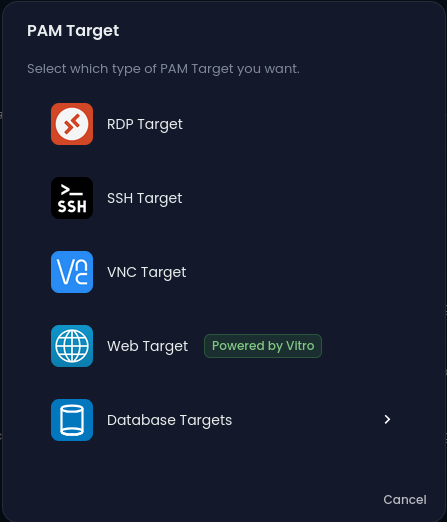
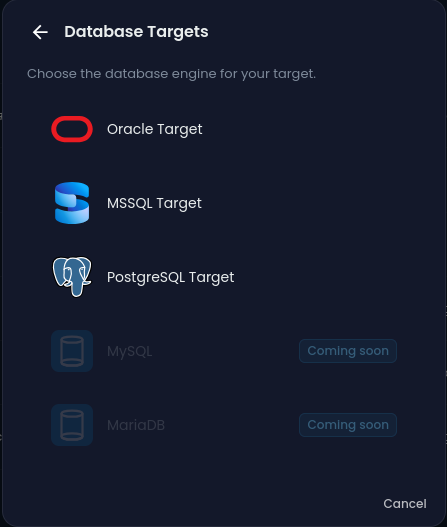
Figure 1. Database Targets: Oracle target, MSSQL target, PostgreSQL target
AI Assistant in Sessions
A new AI chat assistant is available to help during privileged sessions, making it easier to get context and guidance without leaving your workspace.

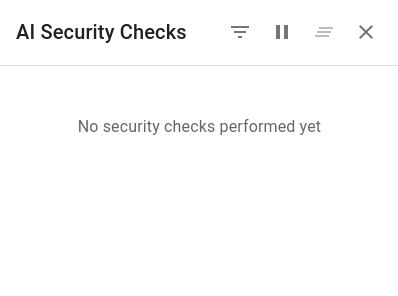
Figure 2. AI Assistant: In-session AI assistant
Password-Policy Management
Create and manage password policies — including password rotation rules — so you can enforce your organization's password standards across tenants. Tenant administrators can now manage rotation policies themselves.
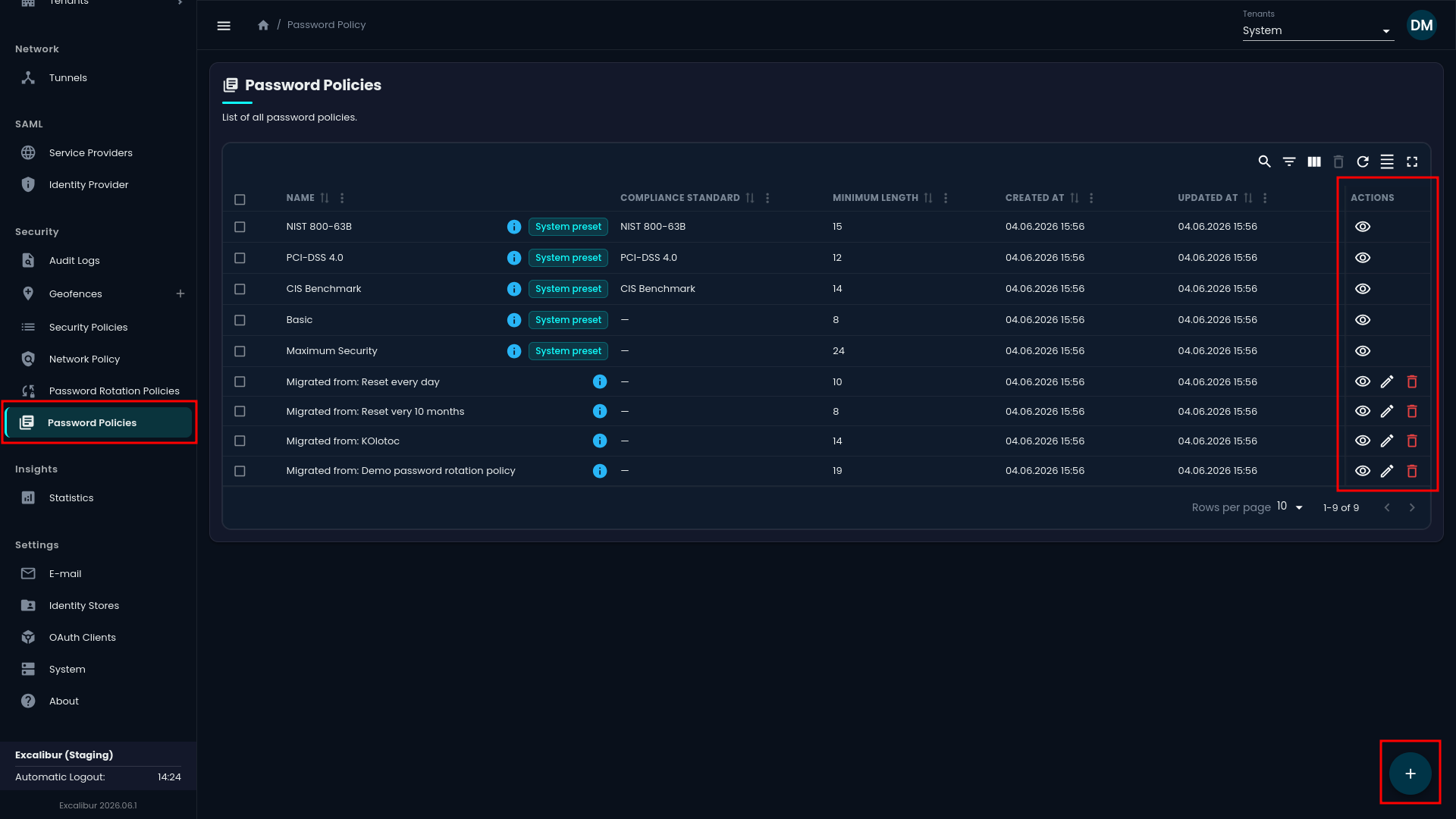
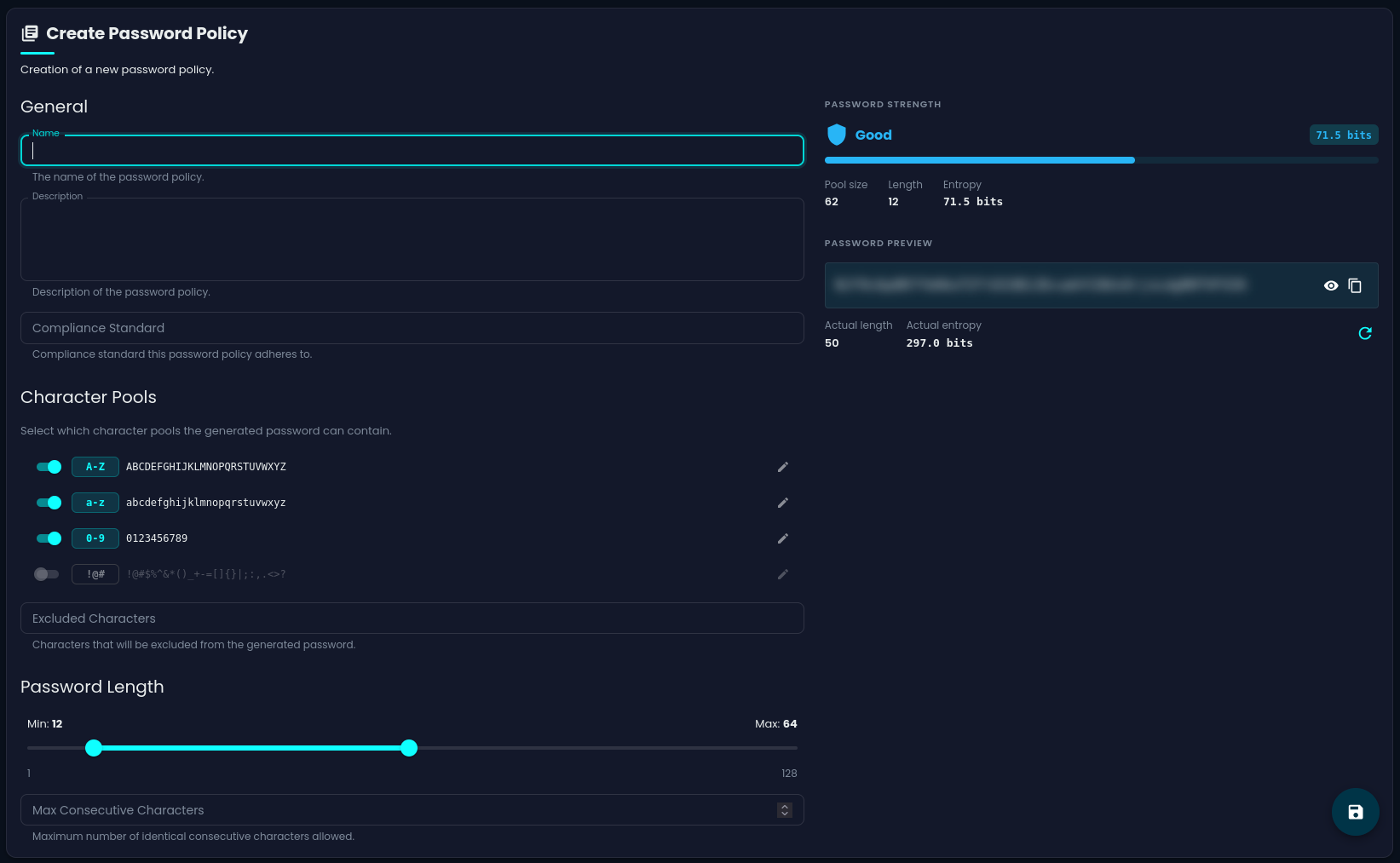
Figure 3. Create Password Policy
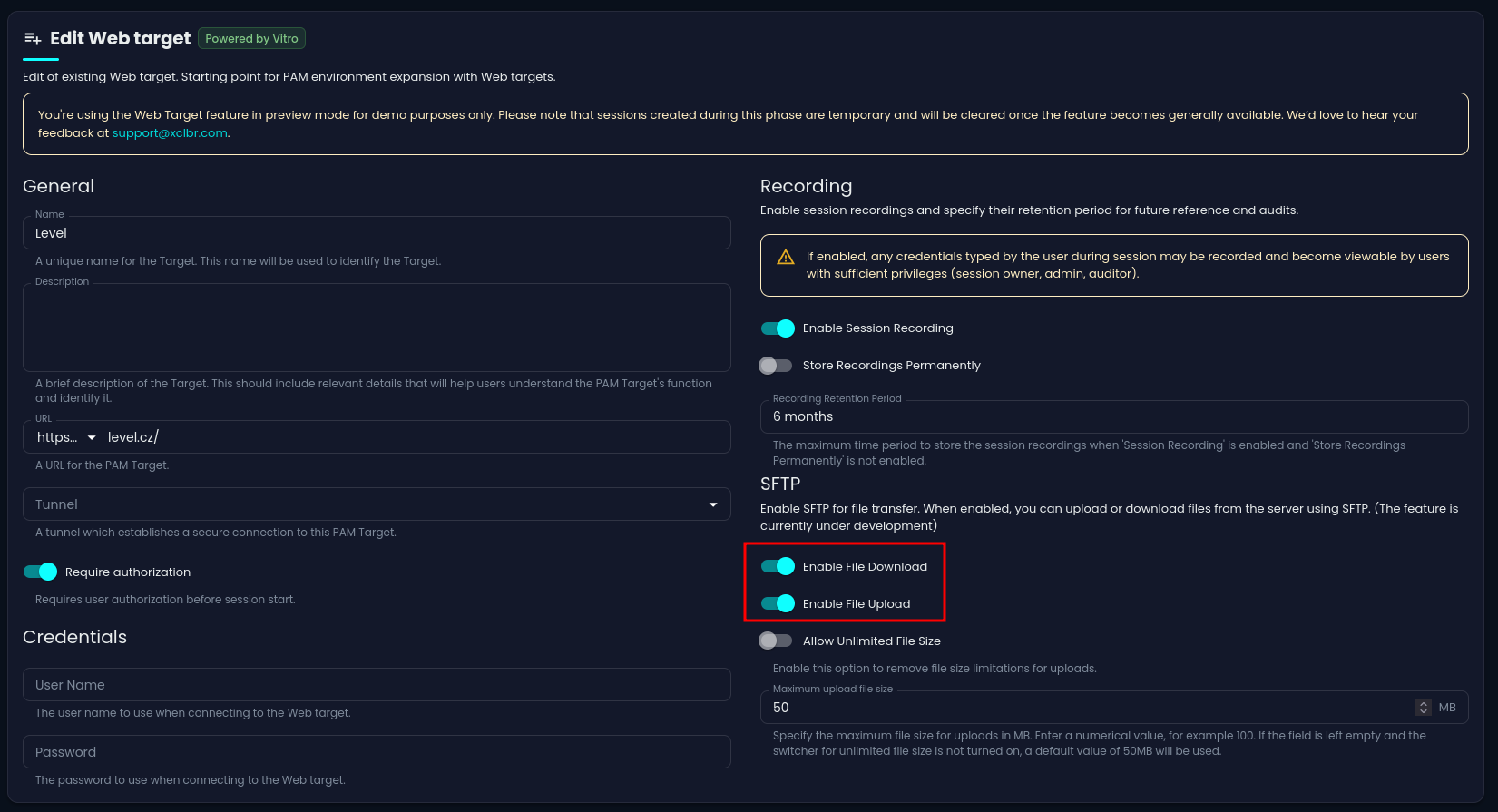
File Transfer settings for Web Targets
File transfer can now be enabled for Web targets, (Vitro) allowing users to upload and download files within a web session.
Tunnel for Web Targets
Excalibur now supports Web targets (Vitro) reached through secure tunnels. Target verification also reports tunnel connectivity.
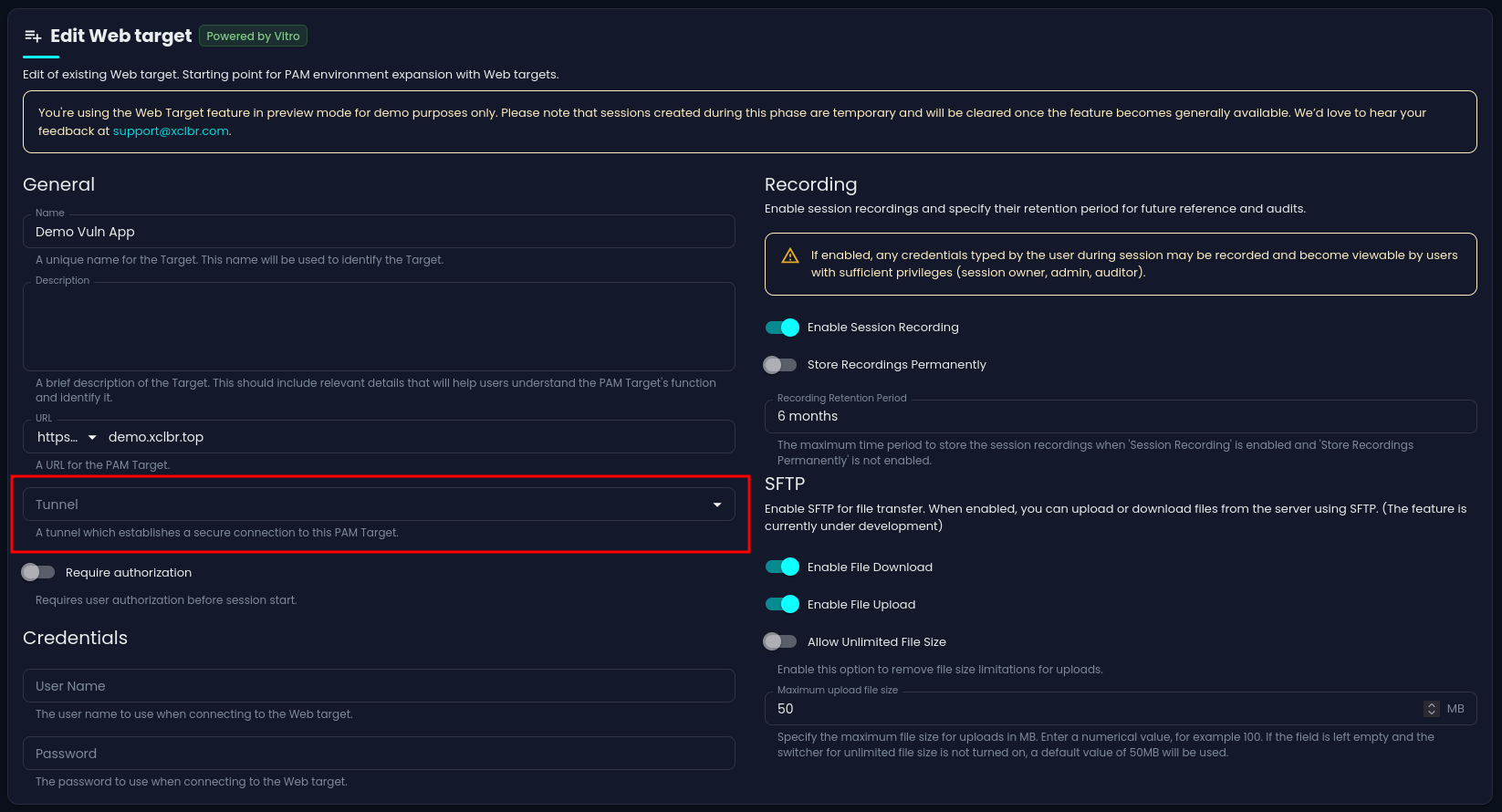
Figure 4. Tunnel for Web Targets: Tunnel connectivity for Vitro targets
Unified Authenticator view
Each user's detail page now has an Authenticators tab that shows their tokens and passkeys together in one place, and token management has been consolidated for a clearer, more consistent experience.
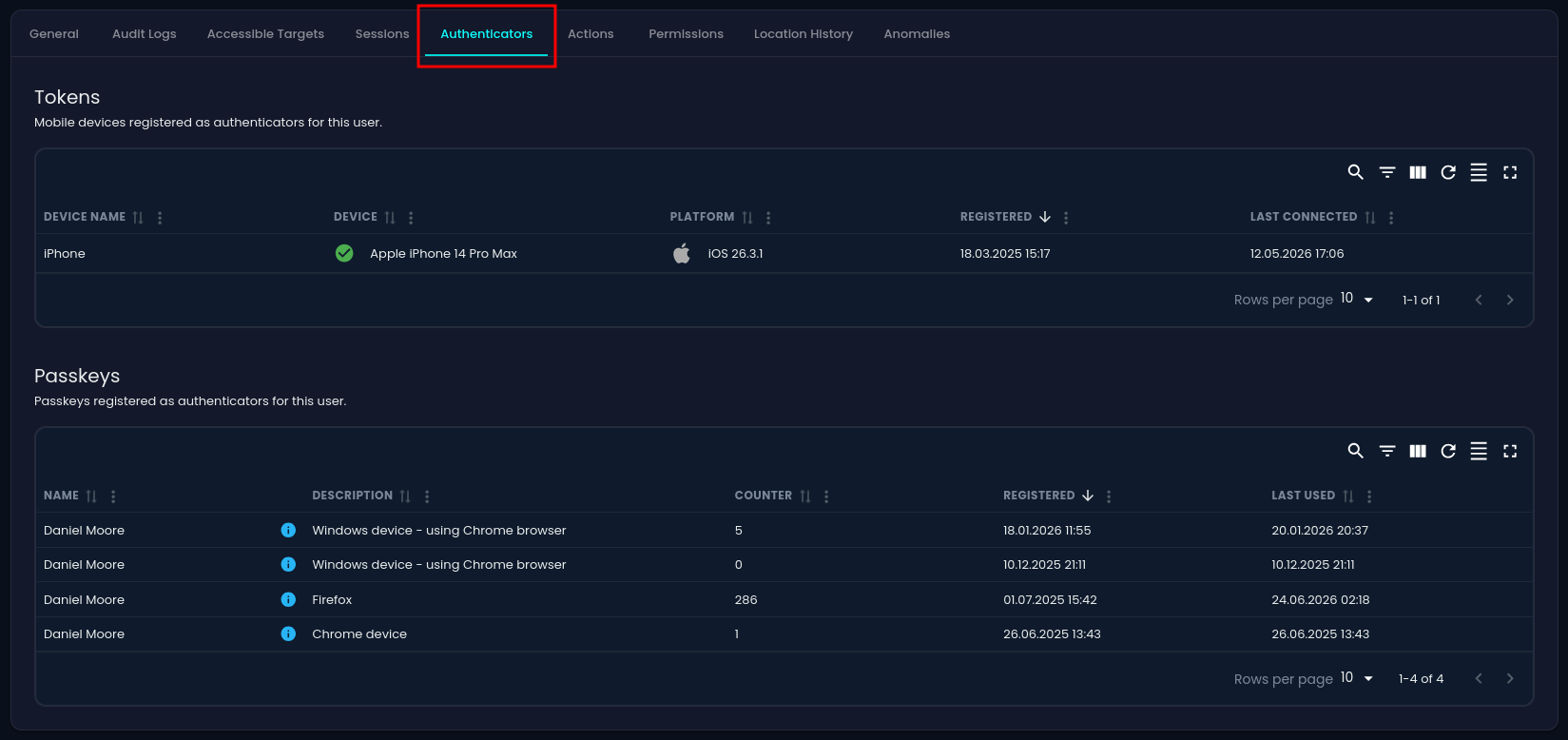
Figure 5. Authenticator tab in user detail page
Google Maps API Key Configuration
Self-hosted and non-Excalibur deployments can now configure their own Google Maps API key for location-based features.
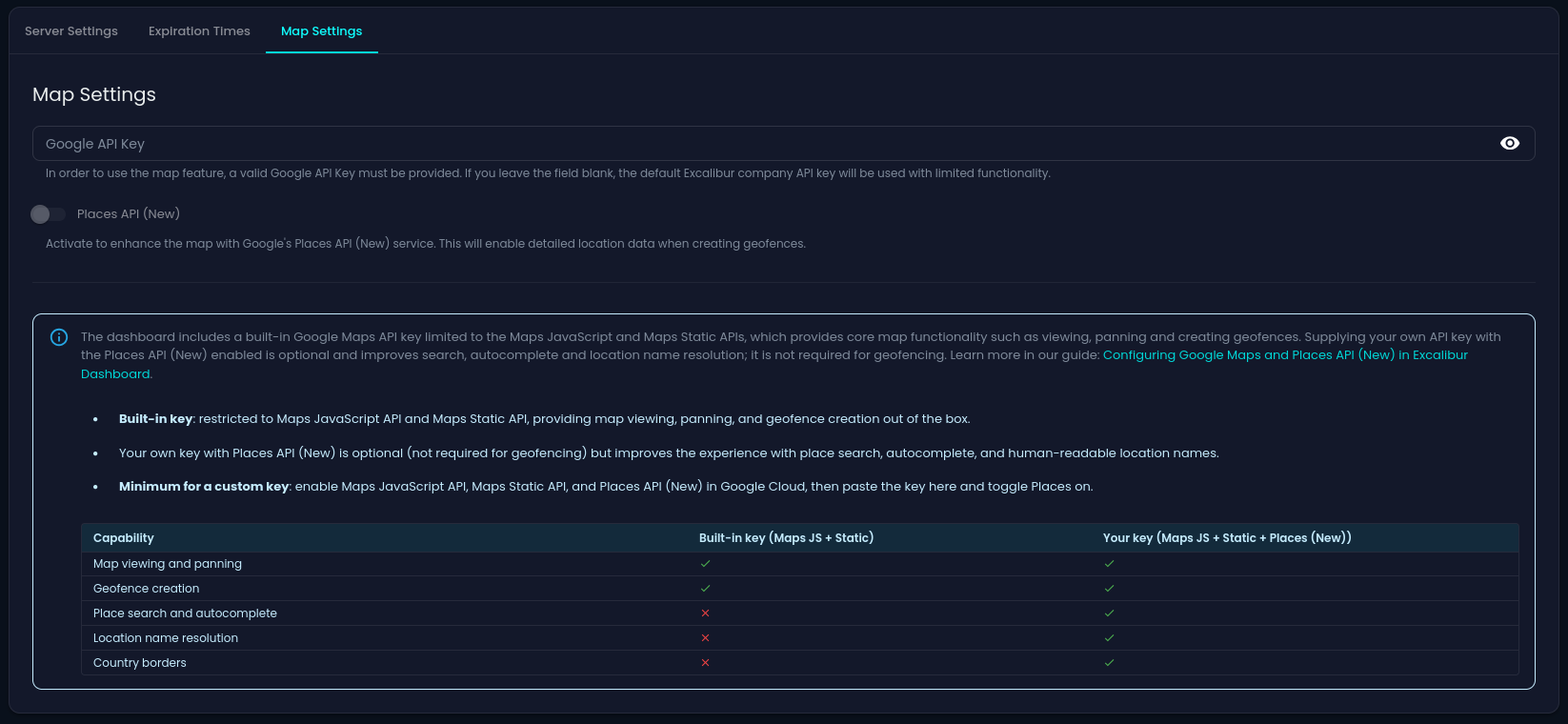
Figure 6. Google Maps API Key Configuration
Tenant-Branded Emails
Email notifications now include the tenant name, helping recipients identify the relevant environment.
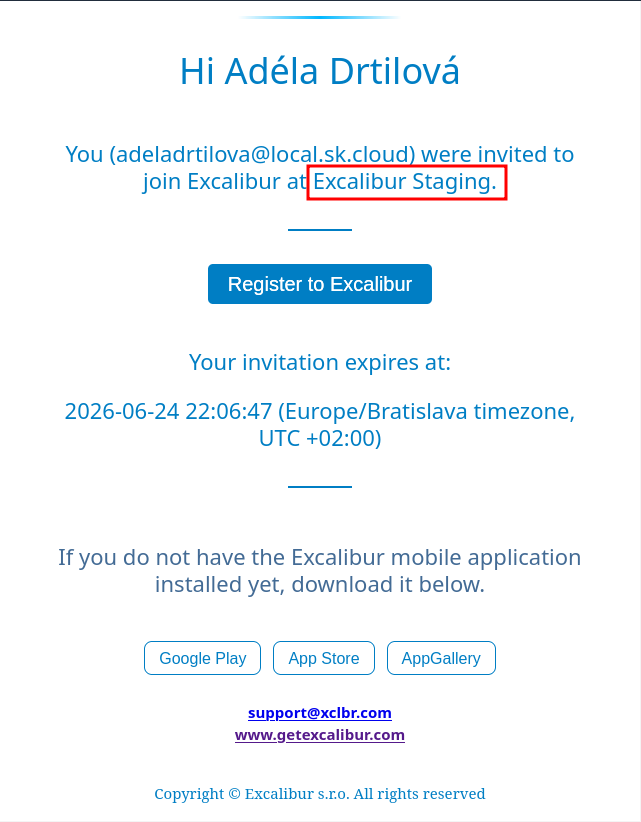
Figure 7. Invitation email with tenant name
Product Version Display
The current Excalibur version is now visible in the dashboard. We also changed the versioning scheme to a calendar-based format.
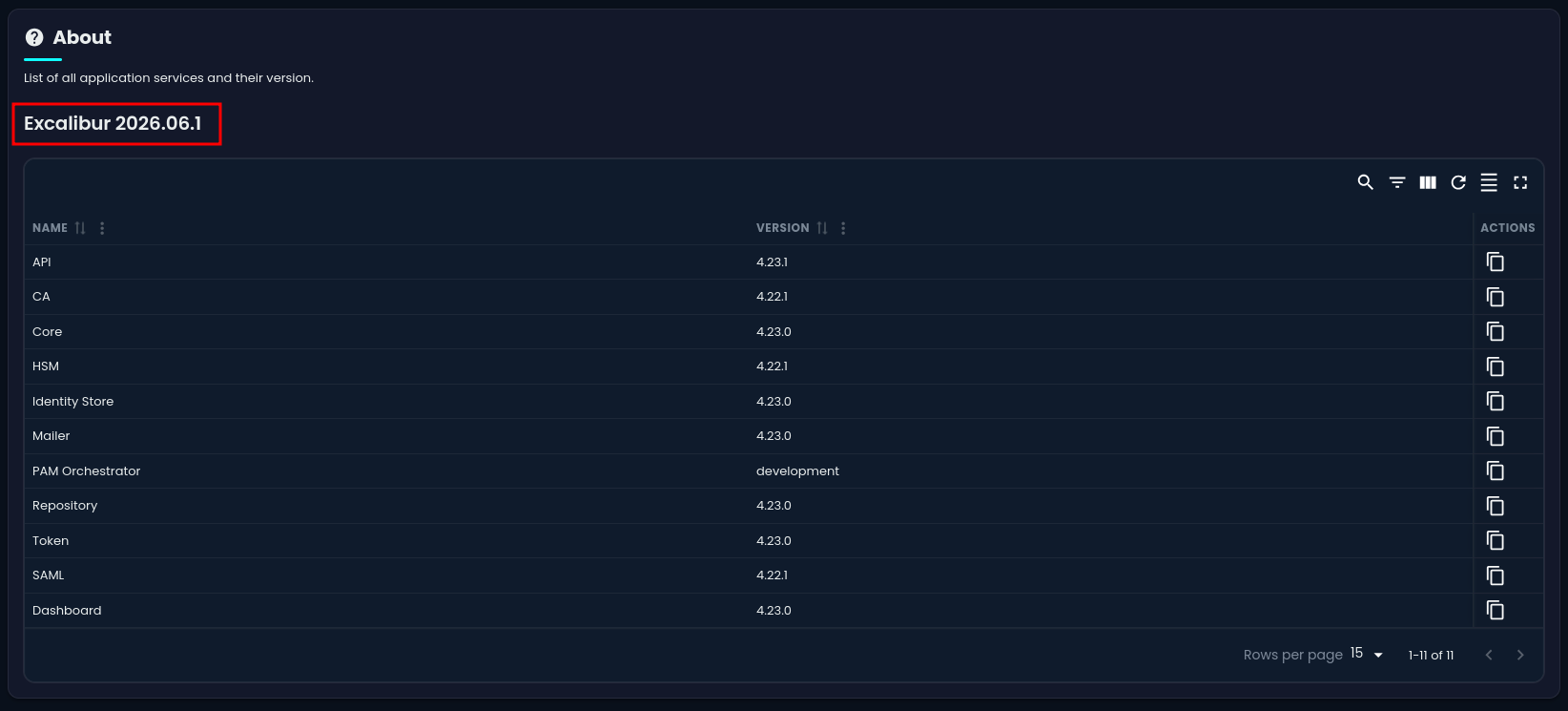
Figure 8. Excalibur version display in dashboard
Improvements
Refreshed dashboard design
The admin dashboard and session client now use a more consistent design system with improved dark and light theme behavior.
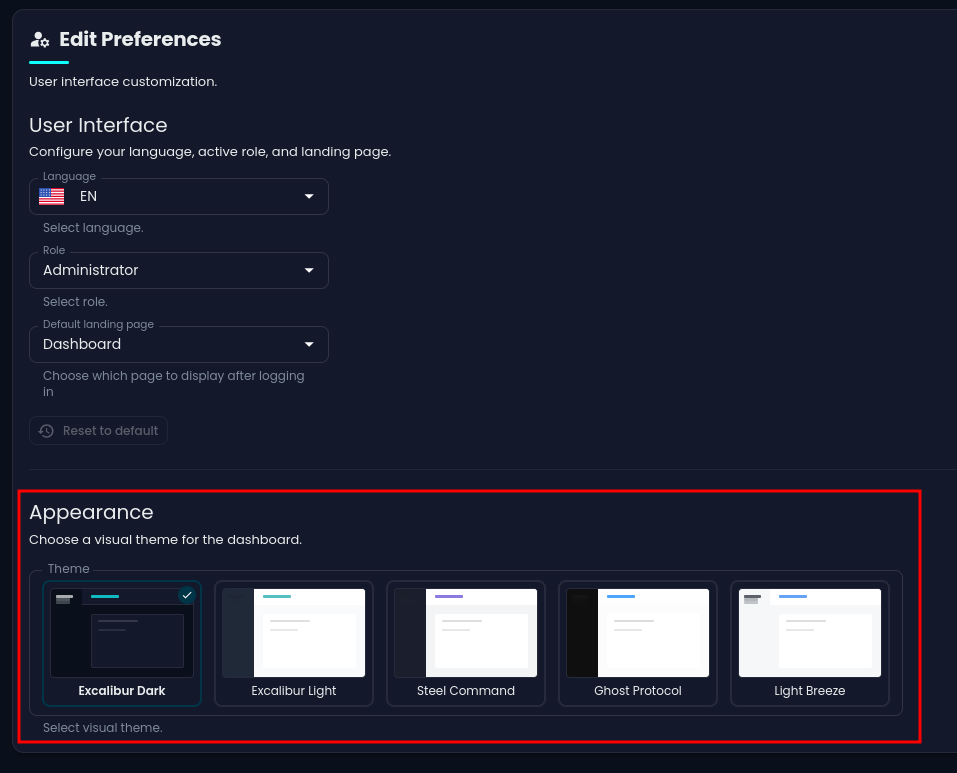
Figure 9. Refreshed dashboard design with different themes
Clearer session timeline
Session activity now shows the user's first and last name, and sessions can display concise context summaries to make reviews faster.
More helpful in-session messages
Sessions now clearly inform you when the AI service is temporarily unavailable, and surface clearer guidance when a passkey isn't enabled.
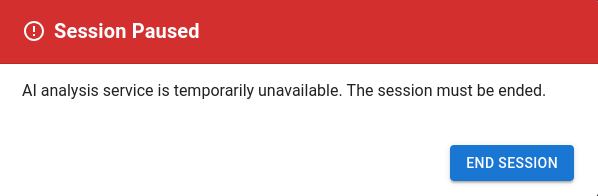
Figure 10. Session messages: AI service unavailable

Figure 11. Session messages: Passkey isn't enabled
Easier tenant switching
The tenant switcher now supports search and filtering and loads large tenant lists more smoothly.
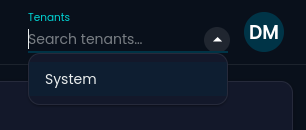
Figure 12. Tenant switcher with search and filtering
Richer user list
The user list now shows identity-store information, and you can jump straight from a user group to a user's detail page.
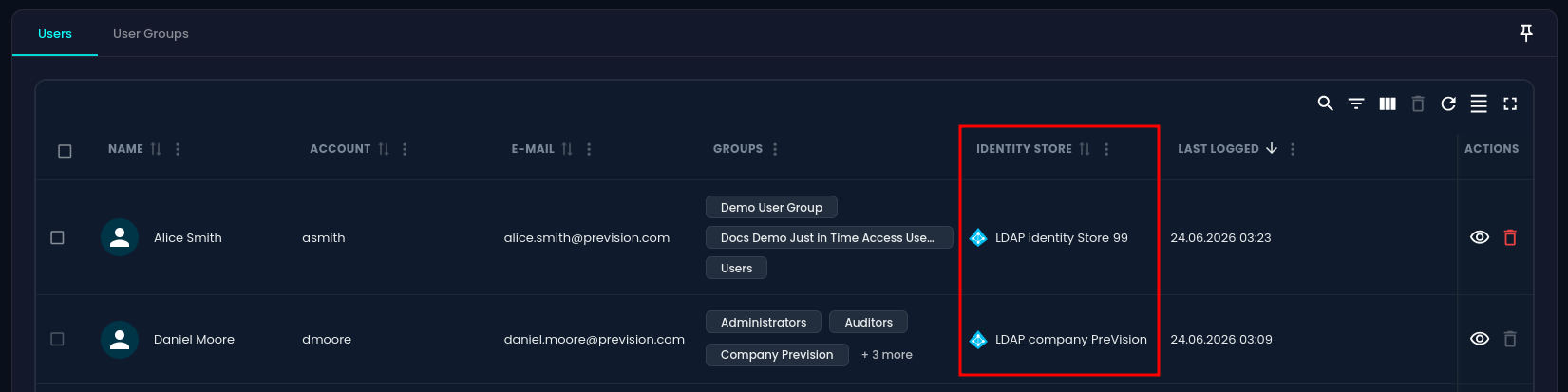
Figure 13. User list with identity-store information
Better email communication
Verification and invitation emails have refreshed subject lines and improved localization.
Broader language coverage
Broader language coverage across authentication pages, permissions, and policy screens, plus numerous interface polish updates throughout the dashboard.
Fixes
-
Privileged sessions are more reliable: Resolved an issue where RDP sessions could show a blank screen instead of a clear error, fixed cases where browser-based sessions could end unexpectedly after reconnecting, and improved scrolling and file upload behavior inside browser-based sessions.
-
Smoother sign-out and access: Signing out now reliably ends your active session, and fixed a case that could prevent authenticating across tenants.
-
Token and authenticator accuracy: Token counts now report the correct online and offline status and respect tenant boundaries.
-
User and tenant management: Fixed user search failures on the Users page, corrected user invitations when a user was selected from the list, resolved a navigation error when adding users to a newly created tenant, and improved handling of large tenant and target lists.
-
Target editing: Fixed cases where editing SSH and VNC targets could lose changes, and corrected validation and navigation on password and rotation policy screens.
-
Backup and restore: Improved restore reliability for environments using newer policy features.
-
Stability under specific configurations: Addressed startup and provisioning issues in certain deployment configurations to keep services healthy and recoverable.
Plus many smaller interface and consistency fixes across the dashboard.
Security & Maintenance
This release includes ongoing security hardening and updates to third-party components, along with behind-the-scenes improvements to reliability and our release process. These strengthen the product without changing how you use it day to day.